Final posting
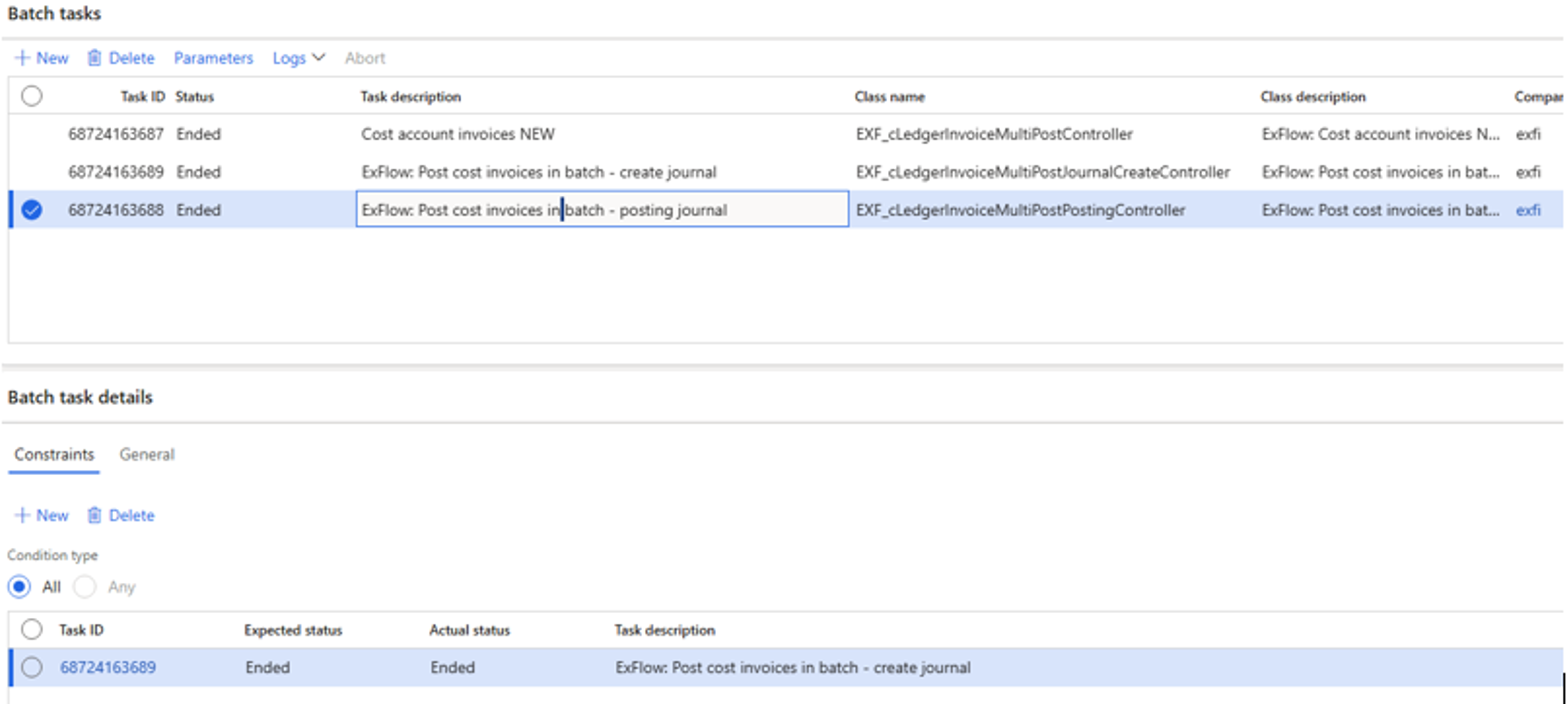
Cost account invoices
ExFlow | Periodic tasks | Post | Final posting | Cost account invoices
This job will post invoices via the Final approval journal that will be finally approved in ExFlow. When the job is used, it can be set up to only create a journal of the approved ExFlow invoices or post them. A query via the 'Select' button can also be set up to exclude/include invoices depending on different criteria.
Purchase order invoices
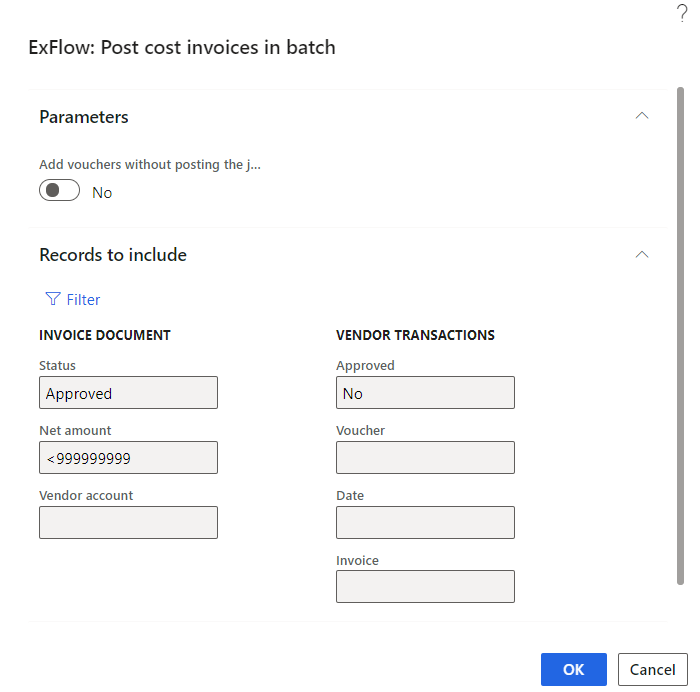
ExFlow | Periodic tasks | Post | Final posting | Purchase order invoices
This job will post purchase order invoices via the final approval journal which are finally approved in ExFlow. A query via the 'Select' button can also be set up to exclude/include invoices depending on different criteria.
Invoice posting batch framework
Purpose
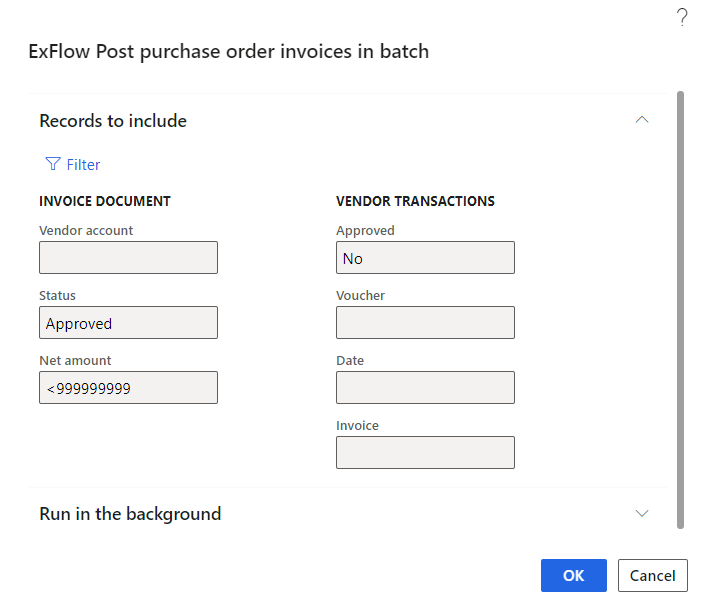
The framework replaces the previous invoice posting batch jobs with a single, unified process that can handle Cost Invoices, Purchase Invoices, and TMS Invoices. By automatically distributing the workload into smaller processing tasks, the framework enables faster handling of large invoice volumes and improves overall system performance.
Supported Invoice Types
Cost Invoices
- Final Approval Posting
- Direct Posting
Purchase Invoices
- Final Approval Posting
- Direct Posting
TMS Invoices
- Invoice Creation
- Invoice Matching
- Approval Posting
Post invoices
ExFlow AP | Periodic tasks | Post | Final posting | Post invoices
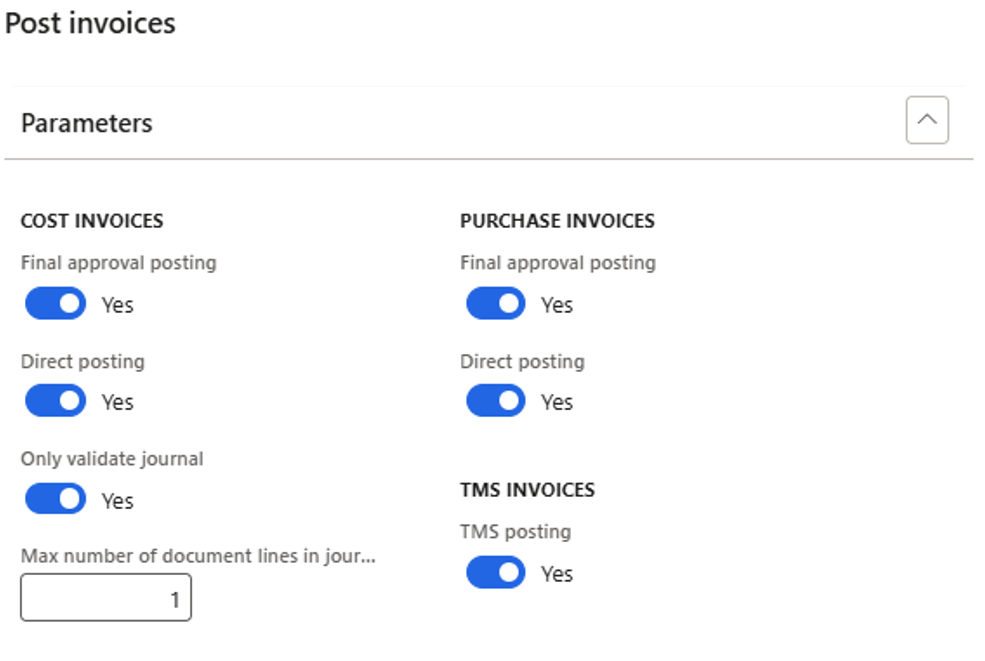
All invoice types can be processed at once.
| Parameters | Description |
|---|---|
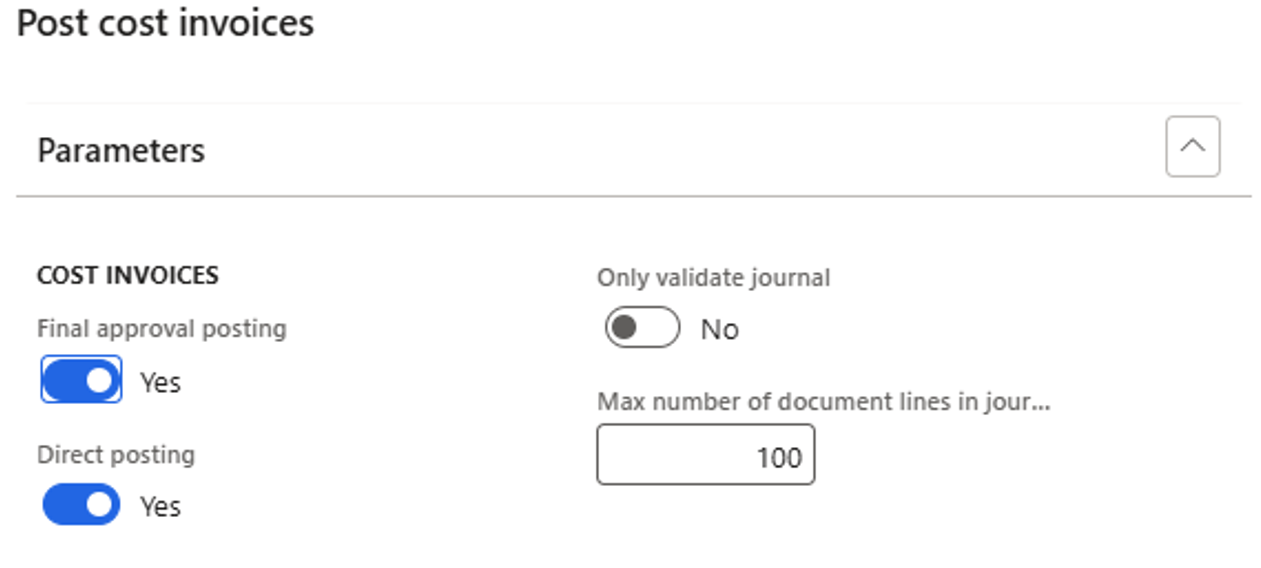
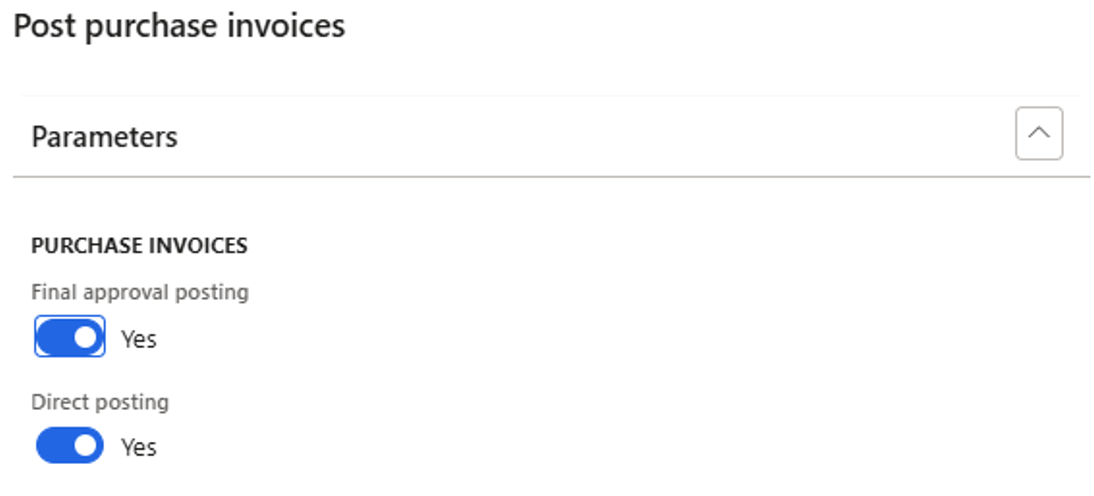
| Final approval posting | Used for final posting in invoice register. |
| Direct posting | Used for final posting in direct posting. |
| Only validate journal | When enabled, journals are created and validated but are not posted. Applicable for cost invoices only. |
| Max number of document lines in journal | Defines the target maximum number of invoice lines that can be included in a posting journal. The system uses this value to determine how invoices are grouped into journals for processing. Invoices belonging to the same vendor are always kept together in a single journal, even if the total number of lines exceeds the configured limit. Multiple vendors can be included in the same journal until the maximum number of lines is reached, after which a new journal is created. Setting an appropriate value helps optimize posting performance, reduce processing delays for large invoice volumes, and keep journals manageable for review and troubleshooting. |
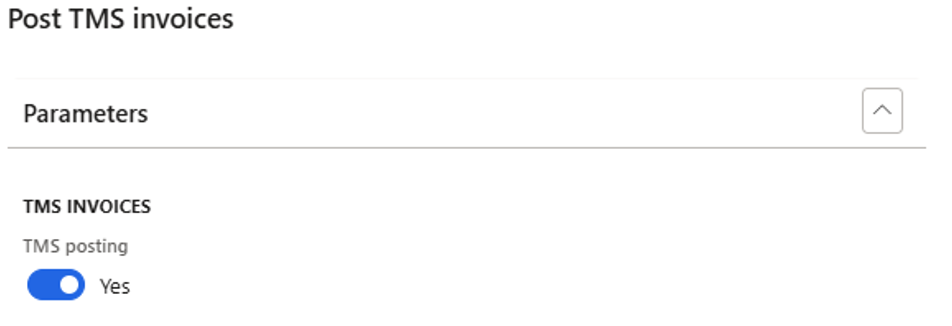
| TMS posting | TMS invoices are final posted. This includes invoice creation, matching and final posting. |
Cost invoices
ExFlow AP | Periodic tasks | Post | Final posting | Cost invoices
Only cost invoices are final posted.
Purchase order invoices
ExFlow AP | Periodic tasks | Post | Final posting | Purchase invoices
Only invoices connected to a purchase order are final posted.
TMS invoices
ExFlow AP | Periodic tasks | Post | Final posting | TMS invoices
Only TMS invoices are final posted.
Batch task visibility
When the Invoice Posting Batch Job runs in batch mode, it automatically creates a number of sub-tasks based on the selected invoice types and the volume of invoices to be processed.
These tasks are visible in the batch job history and allow you to monitor the progress of invoice processing.
Depending on the selected options, these tasks are visible:
- Journal creation for Cost Invoices
- Journal posting
- Purchase Invoice processing (one task per document)
- TMS Invoice creation
- TMS Invoice matching
- TMS Invoice approval
The journal posting task starts only after all journal creation tasks have been completed successfully.
This task structure provides better visibility into the processing status and helps identify any issues during execution.
Example